
MyLO - My Learning Online
Adding AccessPharmacy to content
Within the School of Pharmacy you can easily add content from this resource to your MyLO units via the set up integration.
It is recommended that you use Google Chrome for the best experience.
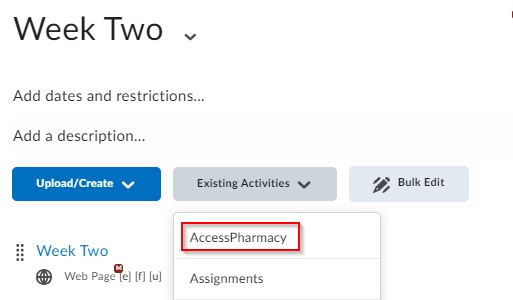
To add a link within Content, access your Module and press on Existing Activities. Select AccessPharmacy from the list.
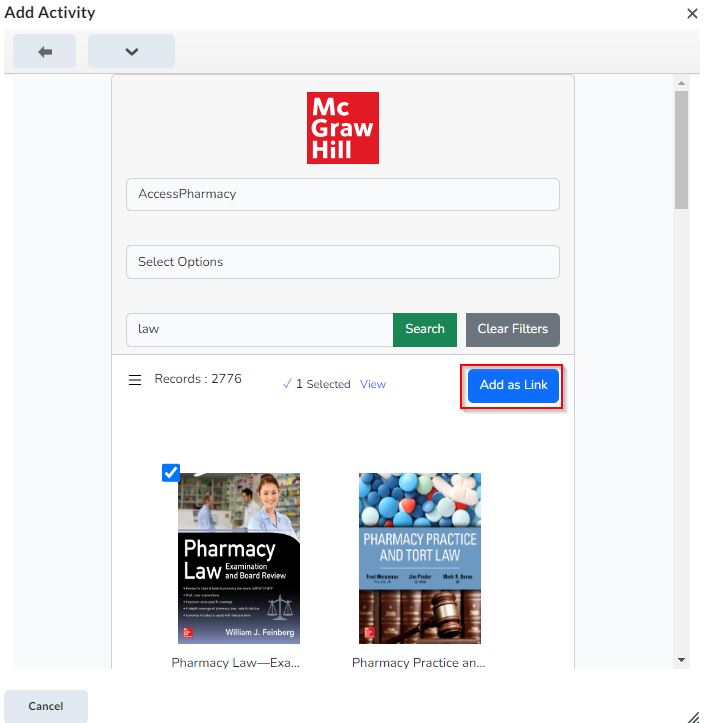
Add the AccessPharmacy filter and search for your item. Select the item you wish to link to and press Add as Link.
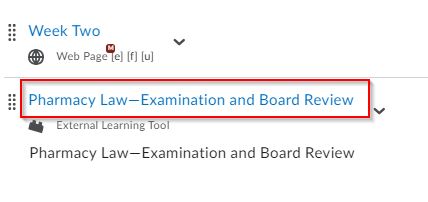
The file will now be added within your content for students to access.
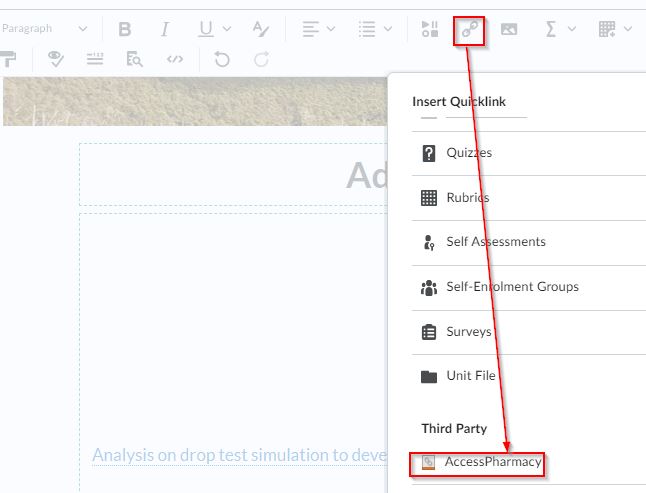
If you wish to add a link within a content page then you can instead edit your web-page, and select to insert a Quicklink. Scroll down until you see AccessPharmacy as an option, then follow the above steps. The link will now be in your content page.
Note that these items will open in a new window, so users may have to allow pop-ups within their browser.