
MyLO - My Learning Online
Finding Support and Help with using MyLO
There are a number of places that you can seek help and guidance with teaching online using MyLO. There are two key locations to get help using MyLO that are online - through the PLaNT modules ( Professional Learning and Networks for Teachers) units and within the Staff Documentation found on this website.
For further help with MyLO you should contact your Colleges team of Educational Developers and Technologists. Information is below:
Digital Futures Teams
For staff learning and teaching support, please contact your college team either through the Service Desk (opens in a new window - select Digital Futures and then your college). <
Digital Futures CoHM
Email us at: Digital.Futures.CoHM@utas.edu.au
Visit the Digital Futures CoHM team intranet site.
Digital Futures TSBE, UC, Short Course Unit
Email us at: Teaching.TSBE@utas.edu.au
Digital Futures COSE
Visit the Digital Futures CoSE team intranet site.
Email us at: Digital.Futures.CoSE@utas.edu.au
Digital Futures CALE
Visit the Digital Futures CALE team intranet site.
Email us at: DFCale@utas.edu.au
PLaNT Modules in MyLO:
The PLaNT (Professional Learning and Networks for Teachers) team have released a series of MyLO modules available to staff, including modules on Constructive Alignment, Tutor Training, Peer Review of Teaching and Scholarship. To self enrol in units :
Login to MyLO: https://mylo.utas.edu.au/
Press on Discover Course Catalog in the navigation bar: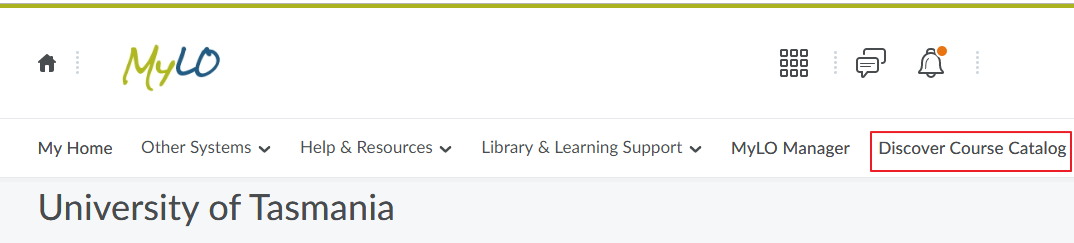
Select one of the PLaNT resources and enrol in the unit. More information on how to self-enrol in units can be found here: https://www.utas.edu.au/mylo/course-catalog 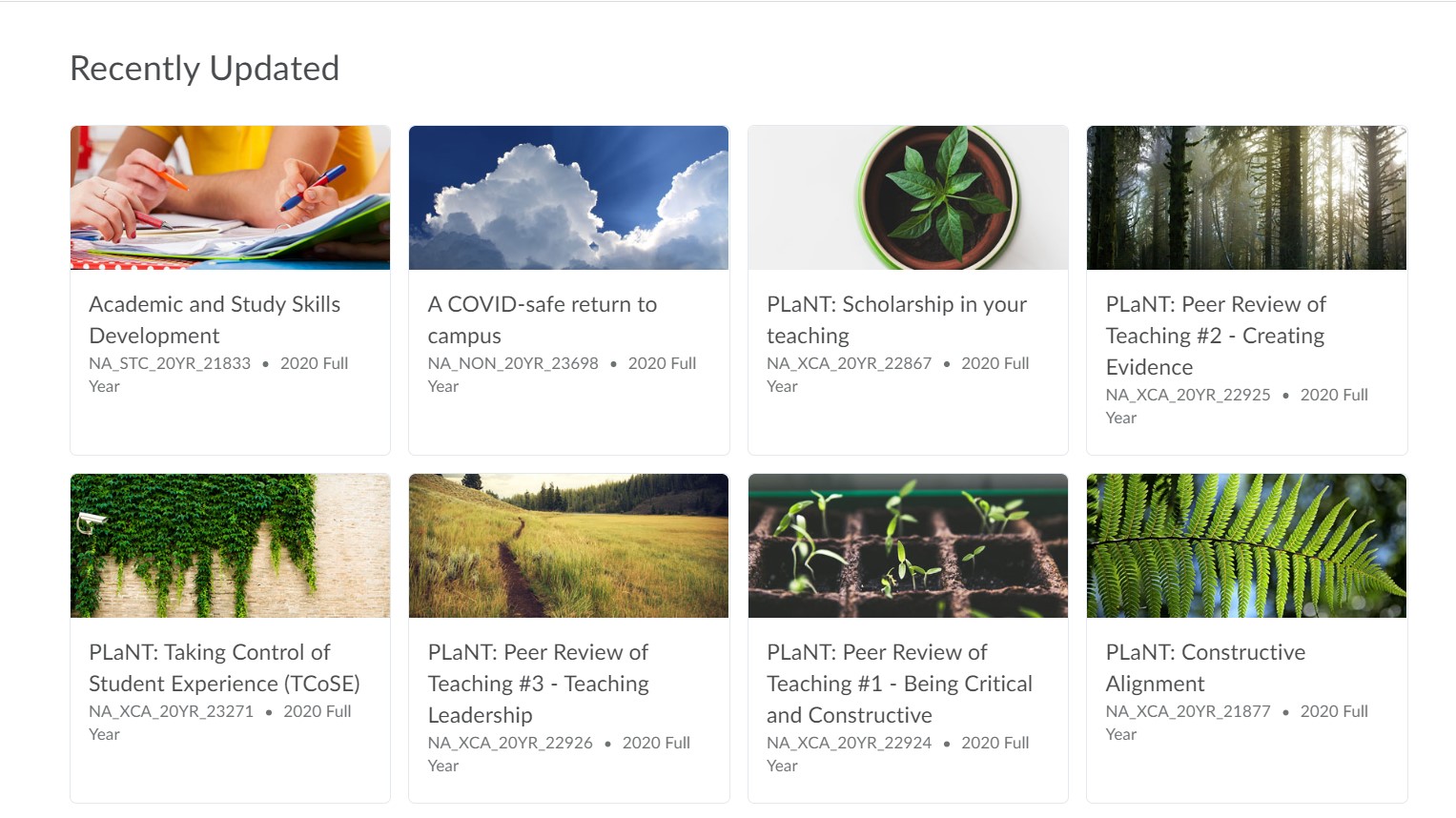
You can also self-enrol in the Getting Started in MyLO unit- this is a unit designed for students but can also help new staff see the functionality of MyLO.
Student guides can be found here:https://mylo.utas.edu.au/d2l/le/content/6607/Home?itemIdentifier=D2L.LE.Content.ContentObject.ModuleCO-4835353
Staff guides can be found here:www.utas.edu.au/mylo/staff/staff-resources
Other Help resources can be accessed on the MyLO homepage navigation bar and within your units navigation bar.