
MyLO - My Learning Online
Restoring groups and categories
A Recycle Bin option is available in the Groups tool, enabling you to restore individual group units or entire categories within a unit. When you restore groups, existing enrolments are also reinstated (if present). Any activities linked to the restored groups, such as discussions or assignments, can then be individually restored through their respective restore pages.
 | Note: Groups and categories deleted before this feature was introduced in November 2024 do not appear in the Groups Recycle Bin. |
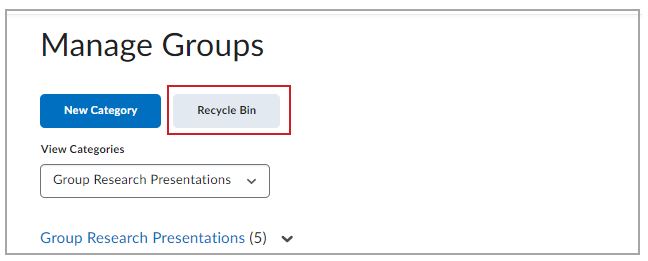
Figure: Click Recycle Bin to view the deleted groups and group categories.
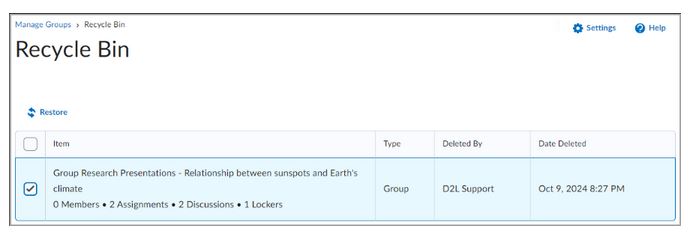
Figure: Select the check box for a group or group category and click Restore.