
MyLO - My Learning Online
Adding PebblePad and ATLAS in MyLO
To use PebblePad within your unit, you will need to submit a form: https://utas1.service-now.com/selfservice?id=sc_cat_item_v2&sys_id=ae064dfc1b10921087941067b04bcb00. Additionally, it is now required to create an ATLAS workspace. Student submissions should be automatically submitted to this workspace to meet our legislative requirements.
Please note that ATLAS does not need to be used for marking.
Your Digital Futures team will create your ATLAS space for you within your unit.
There is only one link to PebblePad- pressing on the link is role based. Those with a teaching role will first be directed to ATLAS, students will go to PebblePad.
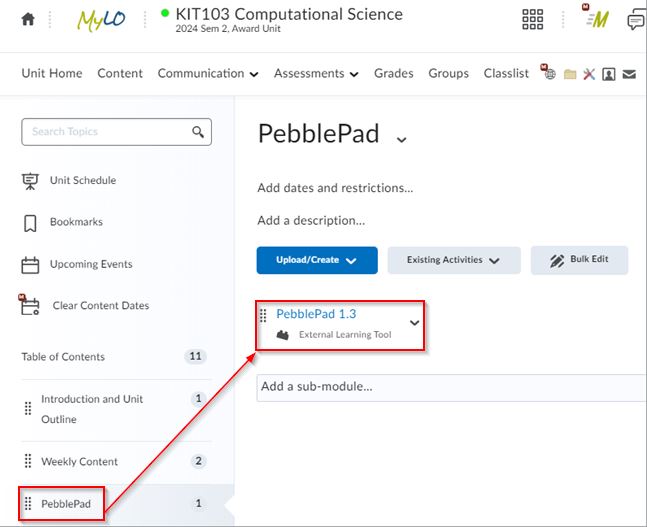
Within ATLAS you can share resources and workbooks and set up assignment folders for your students to submit too.