
MyLO - My Learning Online
Respondus Show your Work Feature
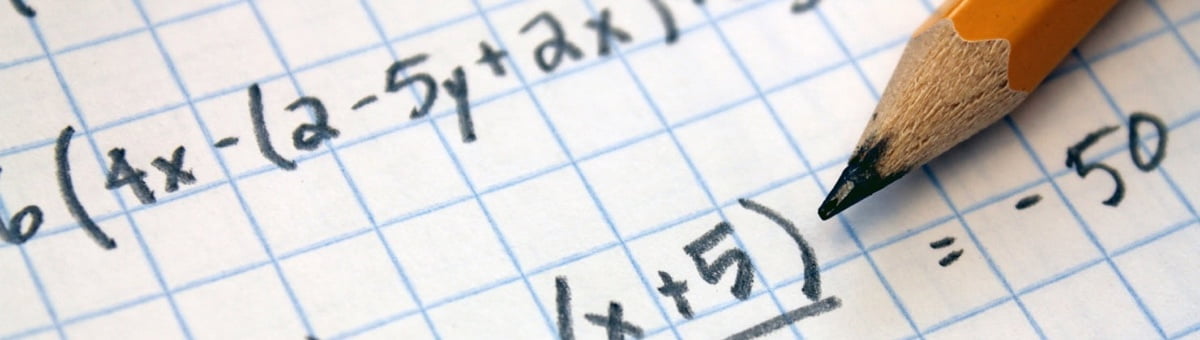
The Show Your Work feature in Respondus Monitor makes it easy for students to upload photos of their handwritten work at the end of an online quiz. Show Your Work will prompt students to take a photo of their calculations, worksheets, diagrams, drawing, doodles - whatever you require - at the end of the quiz.
How it works:
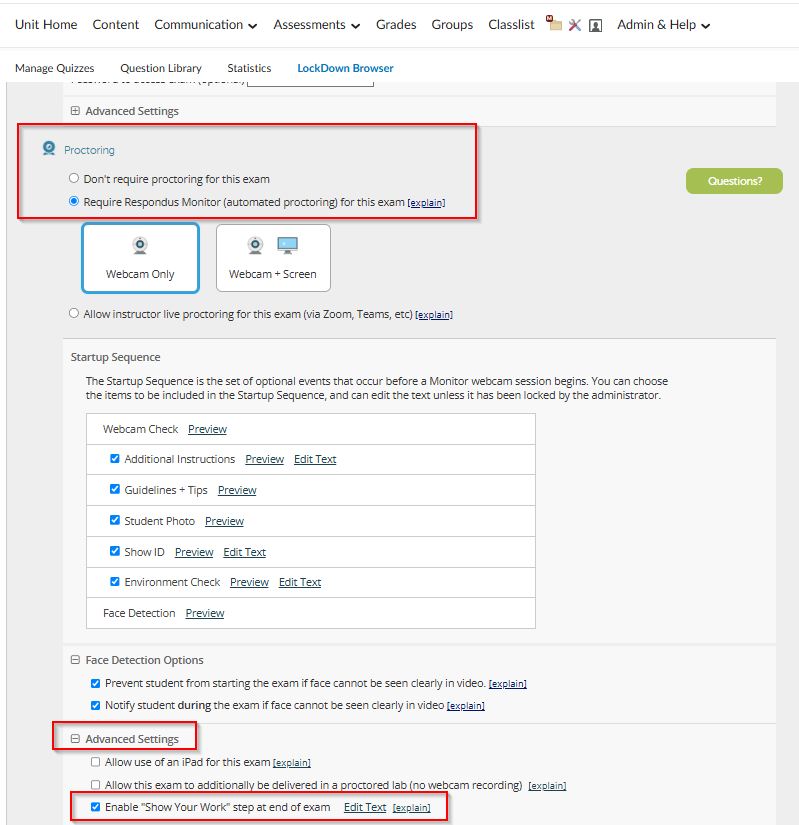
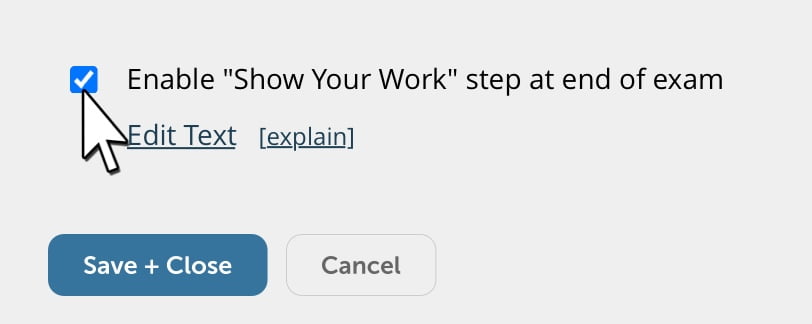
Show Your Work is enables by the lecturer from the Respondus Monitor settings ( under Advanced Settings).
Students take photos of their written work (up to 20) immediately after the quiz is completed.
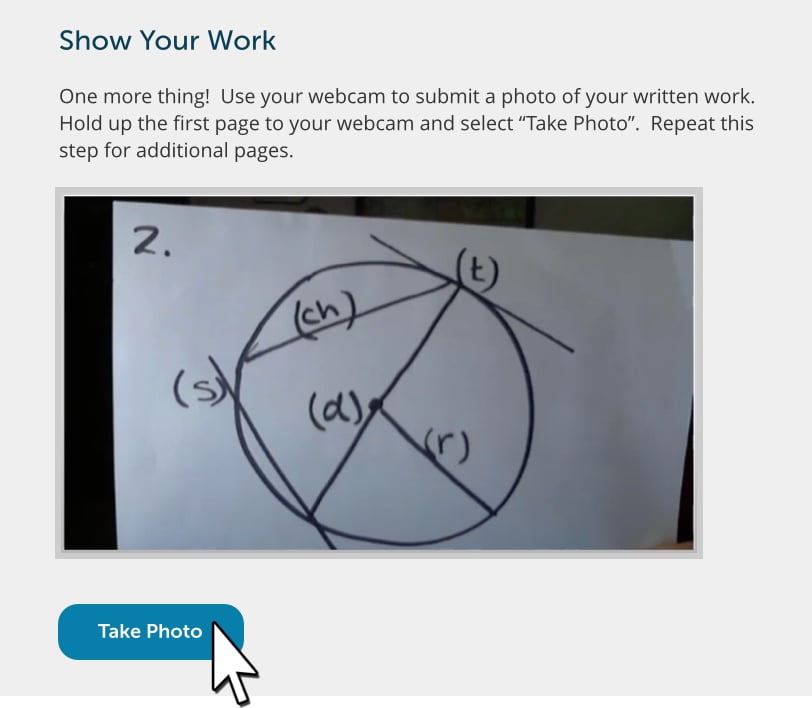
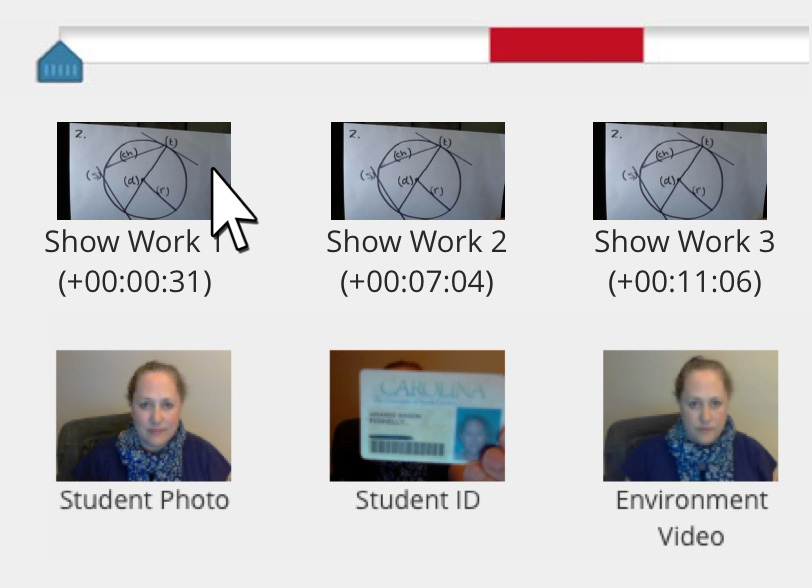
These photos appear in the top row of the proctoring results for the student. Click an image to view a large, high-resolution image of it.
Learn more about Respondus Monitor’s Show Your Work feature in this video.